
Bar replay puts the chart back at a moment in the past and hides everything after it. You step forward a bar at a time, or let it play, and decide as the bars arrive, the way you would have had to then. Klustra replays the exchange’s own candles, and its footprint where the order flow was kept, and lets you trade the replay with realistic fills and fees.
What bar replay is
A chart of the past is easy to read because the answer is on it: you can see where every move ended. Bar replay takes the answer away. It cuts the chart off at a moment you choose, covers what comes after, and reveals the next bar only when you ask for it. Other platforms call it market replay or chart replay; traders use it for manual backtesting, which means testing a setup by trading it, decision by decision, on history you cannot see ahead in.
It is practice with a record. A setup that looks obvious on a finished chart has to be recognised in the moment, with the next bar unknown, and every trade you take is filled, charged fees and counted. After thirty trades you have a win rate, an average R and a drawdown measured on your own decisions, not on hindsight.
How Klustra hides the future
Every bar in a replay is built from the exchange’s own candles, fetched straight from the exchange by your browser on all seven venues the chart supports. The difficulty is the bar the playhead is in. The exchange’s candle for that hour already contains the rest of the hour, so a replay that fetched it would show the future inside the very bar you are deciding on. Klustra never fetches it. The bar in progress is folded from the smaller candles that have finished by the playhead: a one-hour chart stepped in five-minute steps builds each hour from the five-minute candles revealed so far, and knows nothing of the minutes after them.
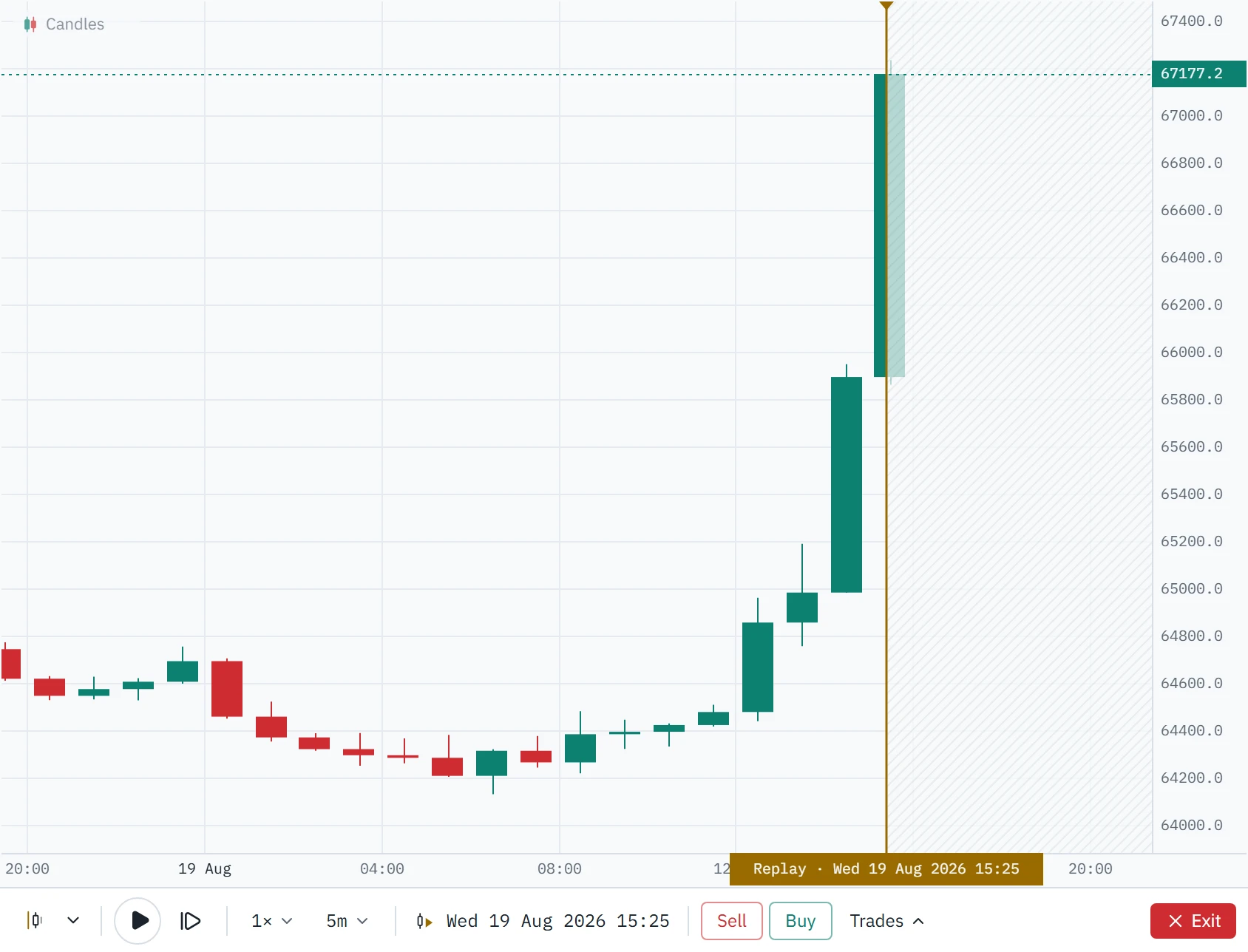
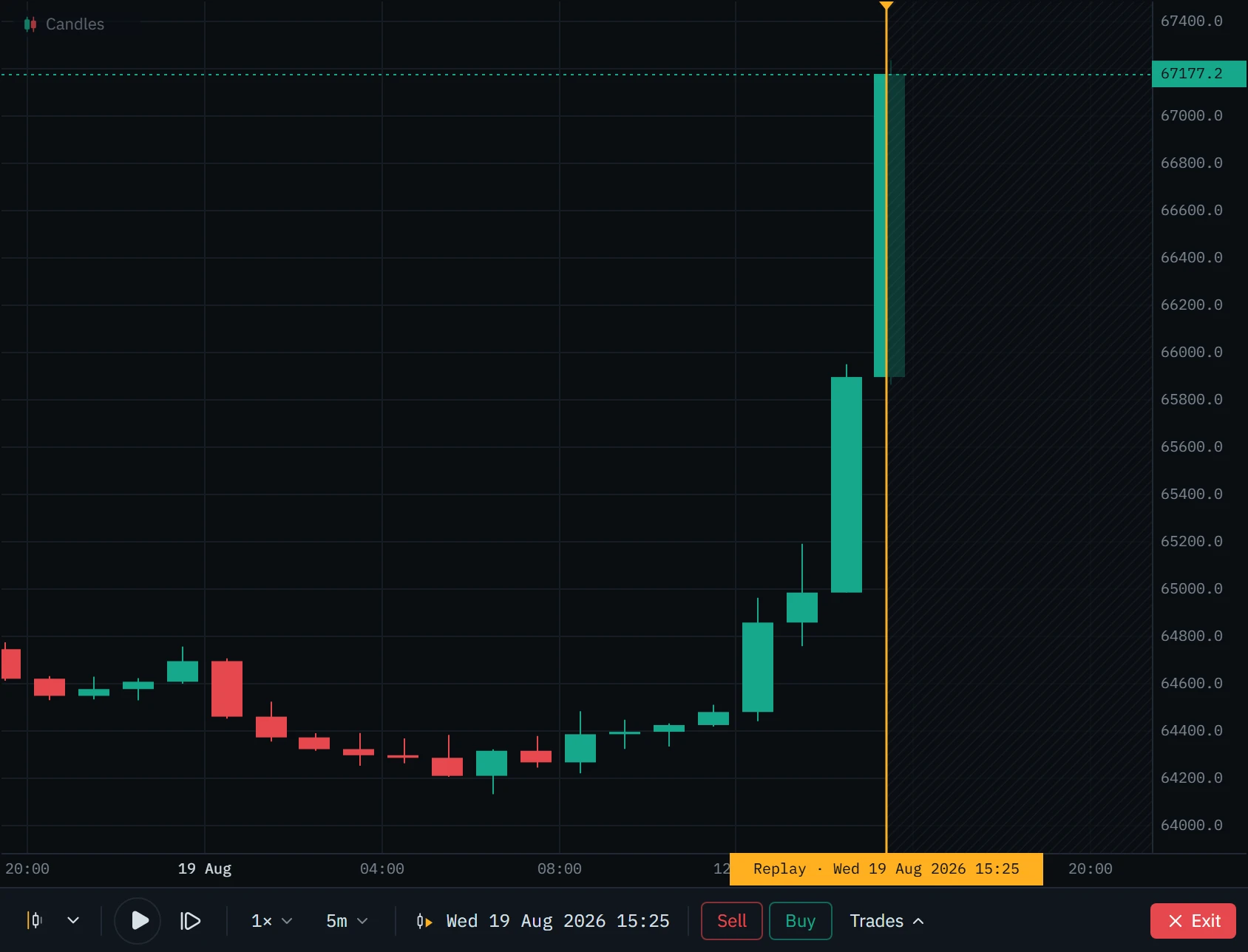
Five five-minute steps into the hour, the 15:00 bar has run from 65,895.5 to 67,235.3 and stands at 67,177.2. That is all anyone could have known at 15:25.
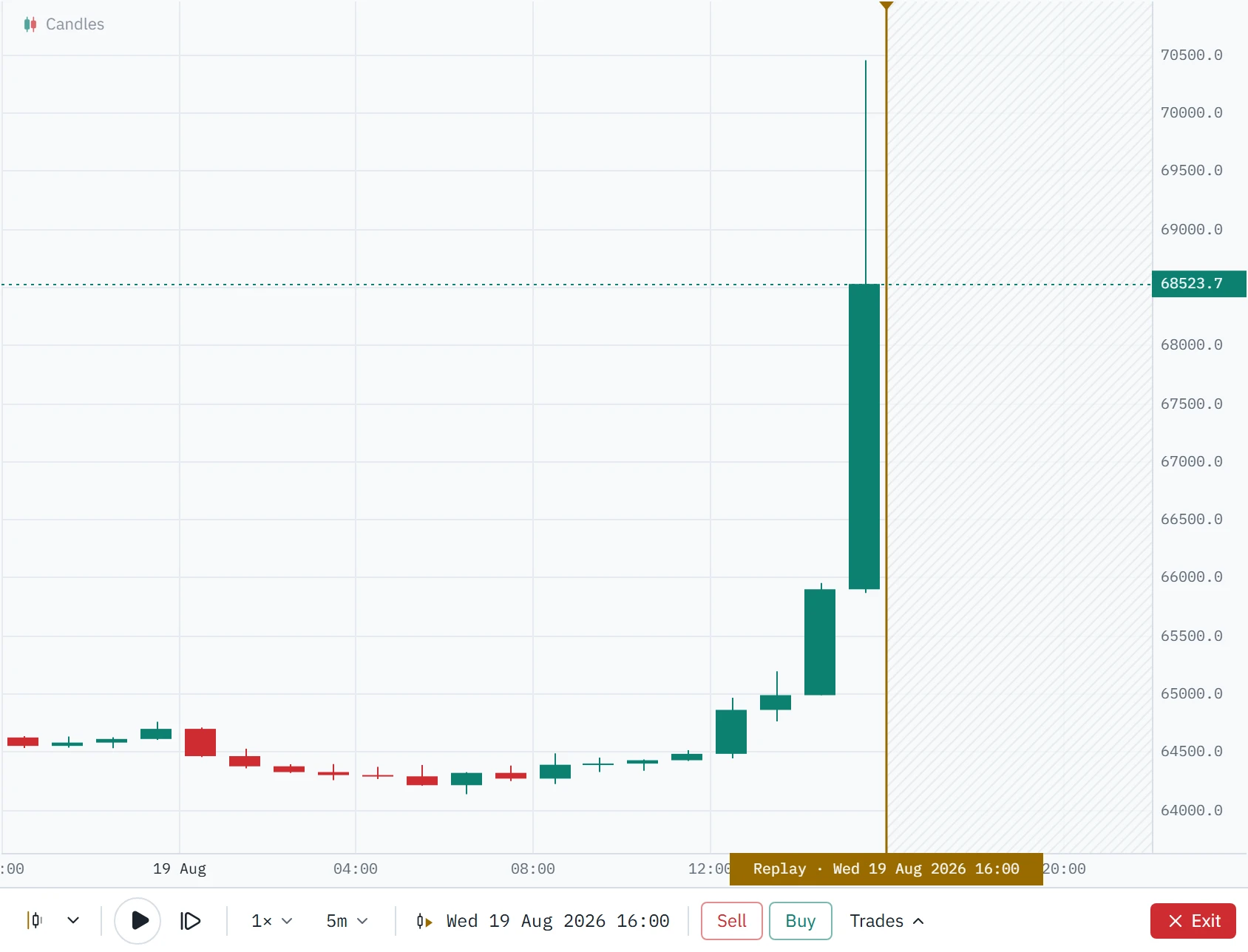
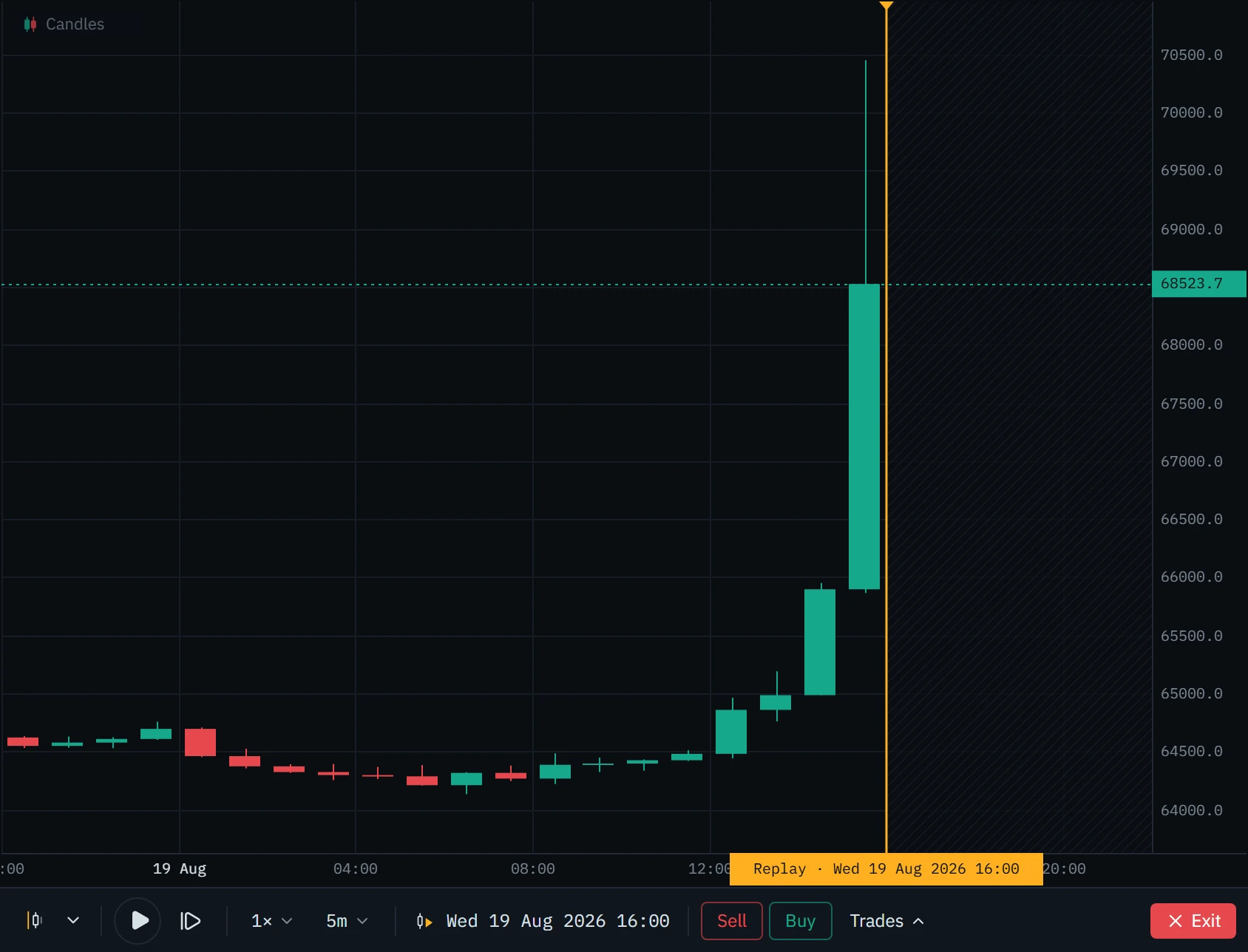
The finished hour went to 70,450 and closed at 68,523.7. A replay that fetched the 15:00 candle at 15:25 would have shown you all of it.
One-hour candles on the Binance BTCUSDT perpetual, 19 August 2026 (UTC). The same chart and the same hour, with the playhead at 15:25 and at 16:00.
The same rule holds when you change the timeframe in the middle of a replay, and when you switch to the footprint: nothing that ends after the playhead is ever handed to the chart, and a second check drops any bar that opens at or after it. The rule is tested by replaying a deliberately careless exchange, one that answers with the candle still forming and the one after it, through thousands of random steps, seeks and timeframe changes; a version that leaked a single minute fails the test.
What else goes quiet
A replay closes the chart’s live connection to the exchange. Tools that only exist live are switched off, because no order book was recorded and inventing one would be a lie: the DOM ladder, the book heatmap, big trades, the flow tape, liquidations and open interest. The layout drops to one chart, so a live chart beside it cannot give the move away, and the watchlist row of the instrument you are replaying says In replay instead of today’s price. Your live drawings and alert lines are hidden too, since a level you drew this week encodes what happened after the date you are on; drawings you make during the replay are kept with it.
Checked against the exchange
We audited the replay before writing this page, on 4 October 2026. Replayed five-minute bars equalled Binance’s own candles in open, high, low, close, volume and taker-buy volume; fills, sizes, fees and R were worked out again by hand for every trade on this page. The audit changed the tool first. The footprint view said “not available” for the newest stretch the archive had not published yet, where the live chart had it; it now uses the order flow your browser loaded too. The archive’s days were printed in your time zone instead of UTC. Jump to date read the time you typed as UTC while the chart showed your own zone. Prices from years when the exchange quoted more decimals were rounded to today’s (6672.93 printed as 6672.9). The watchlist showed today’s price beside the replay, and the control bar overflowed on narrower windows. All of it is fixed.
Anatomy of a replay
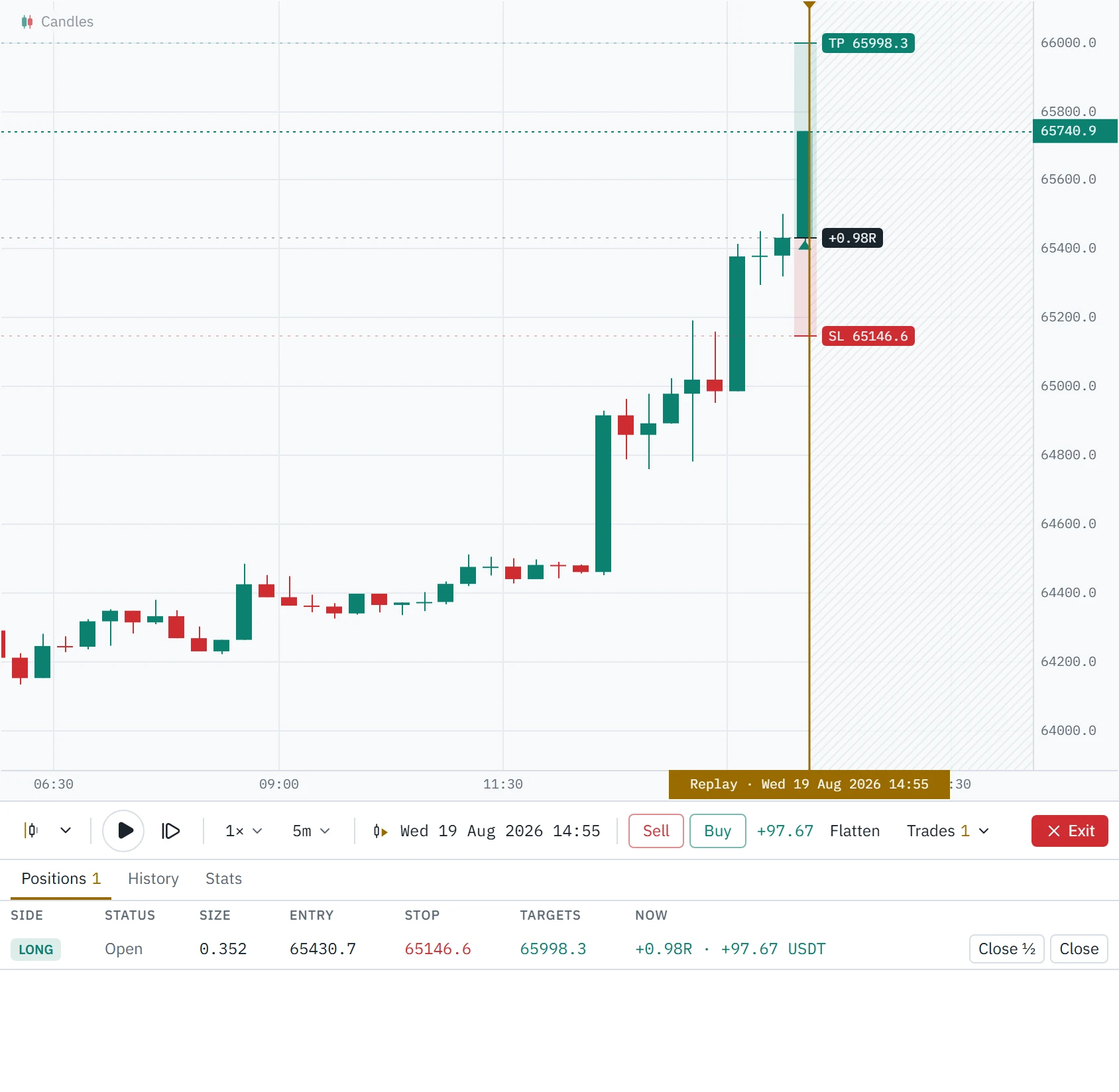
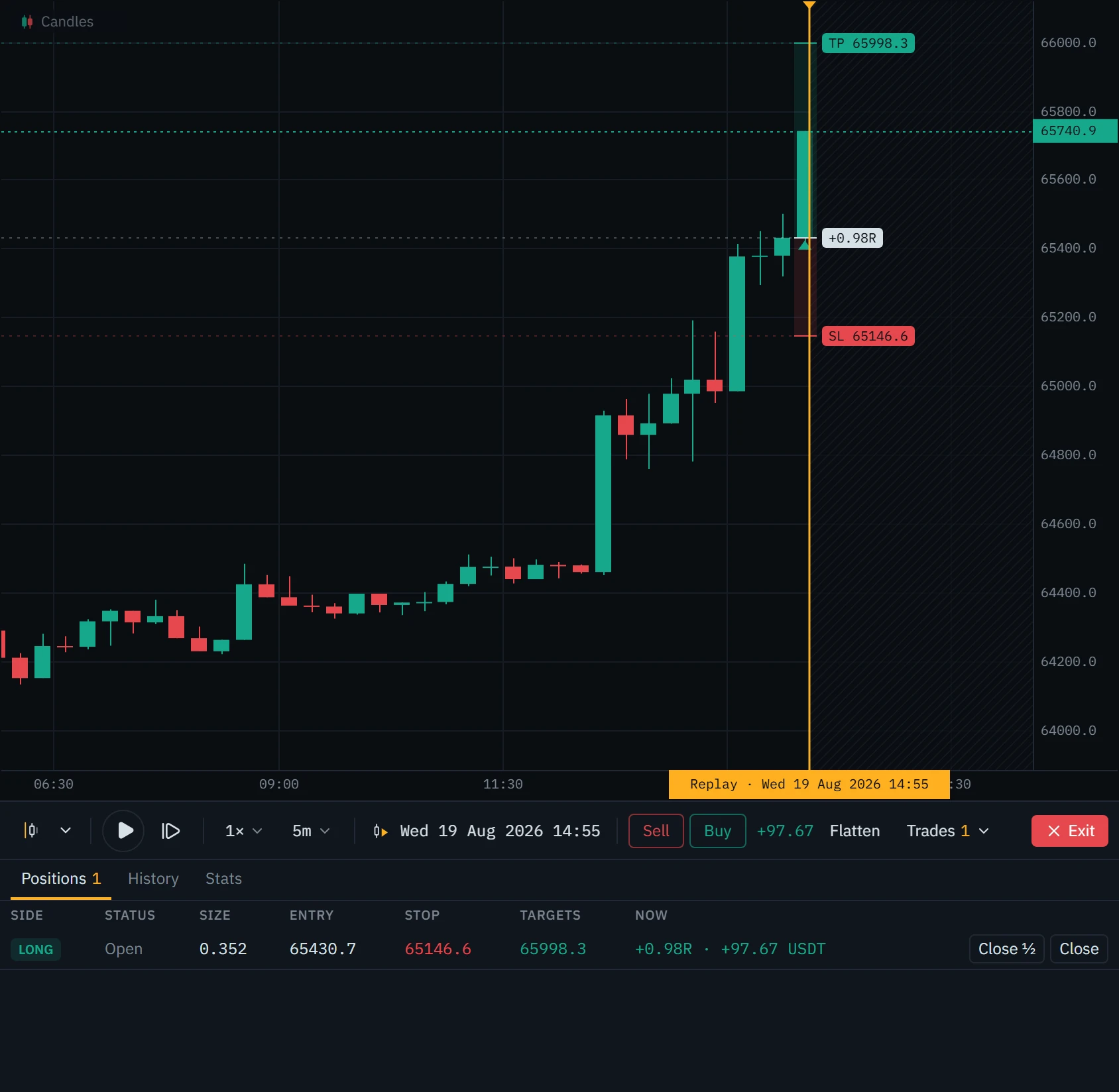
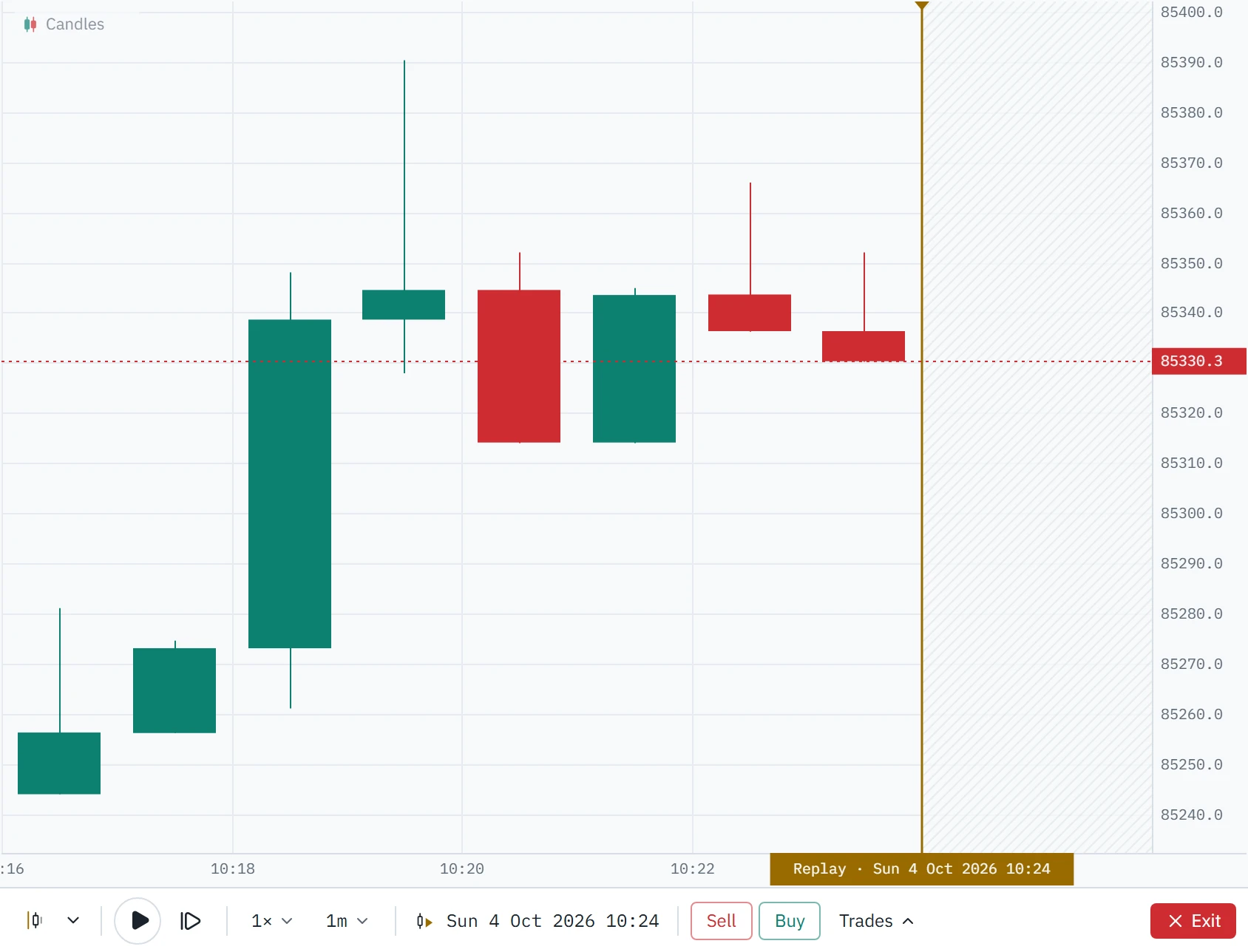
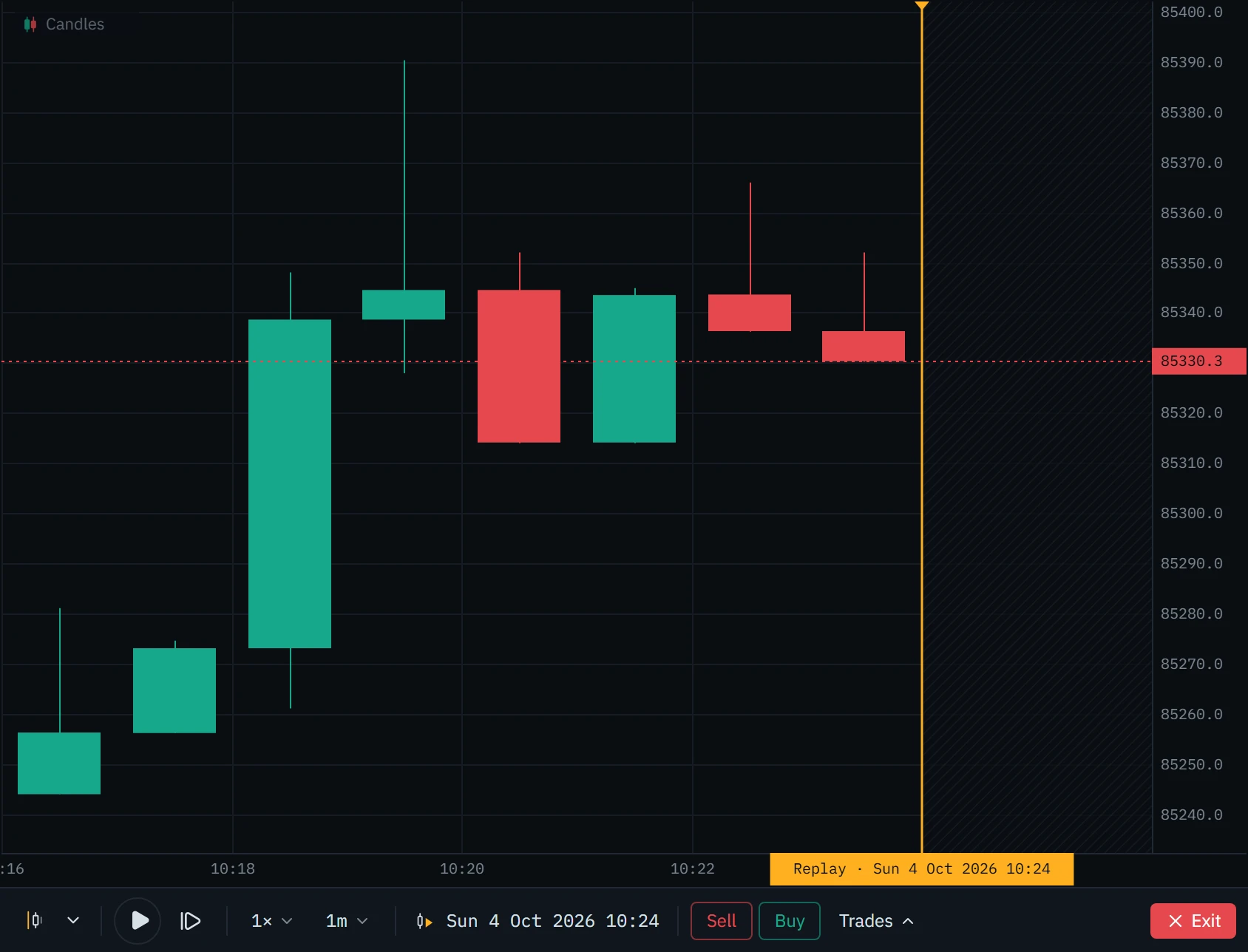
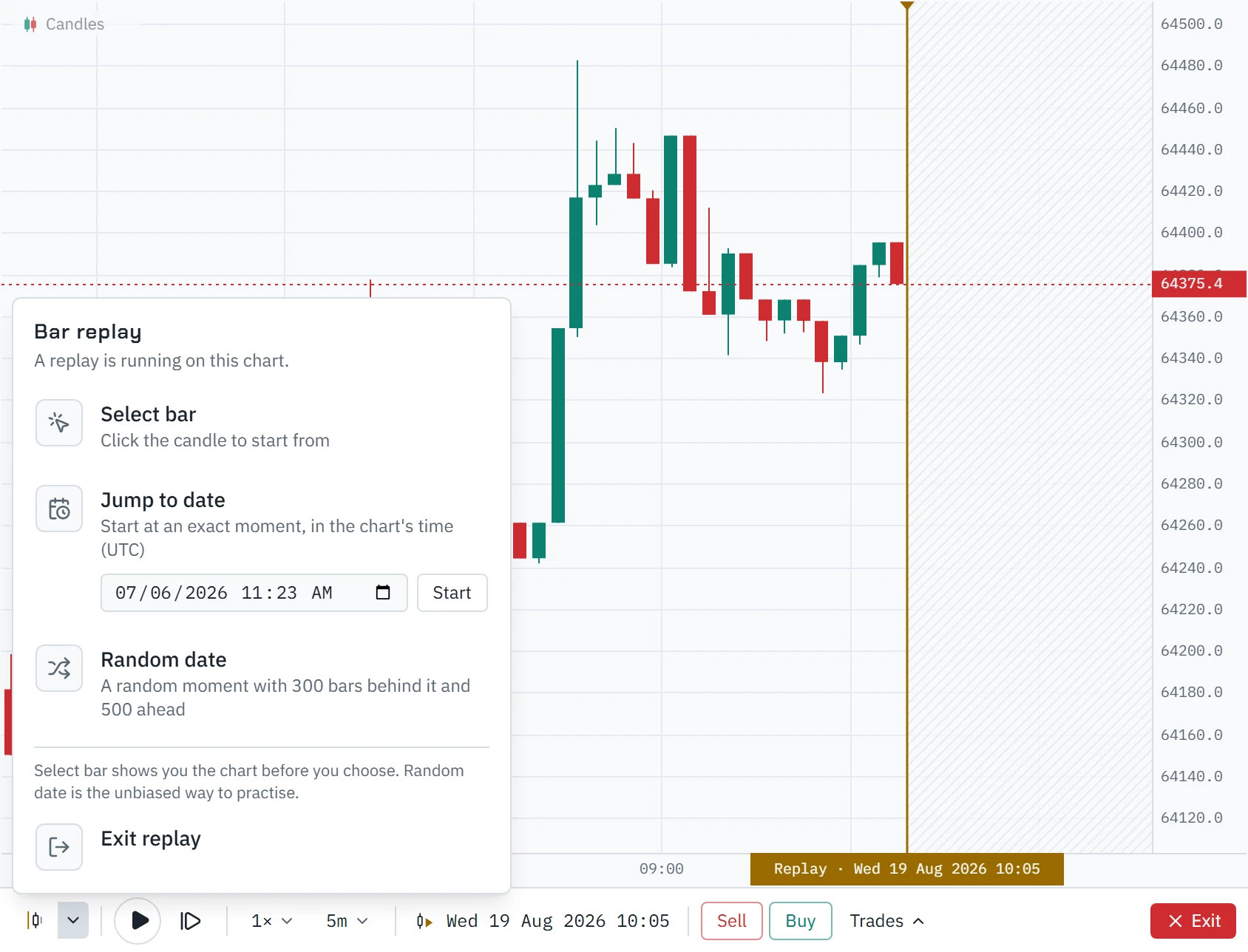
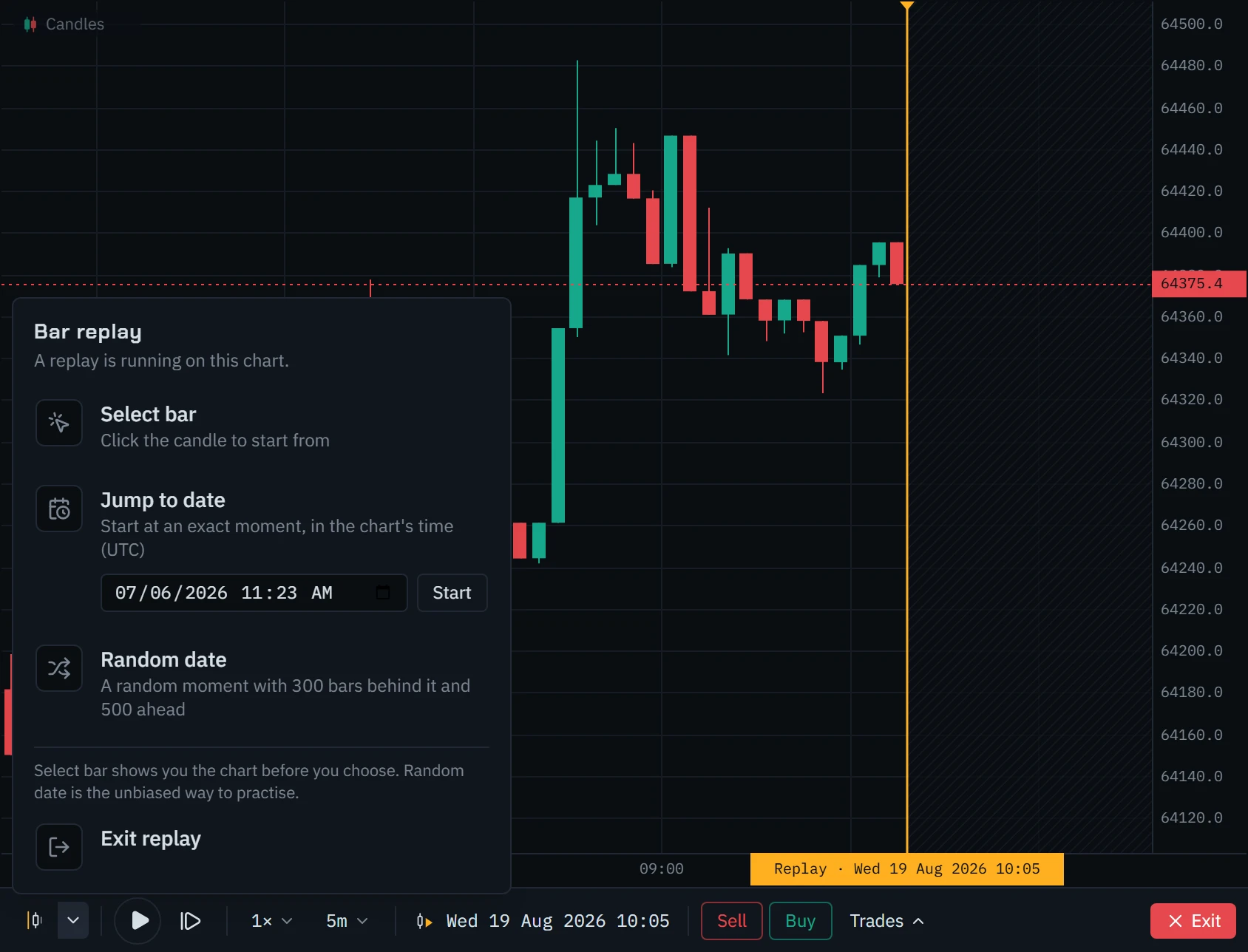
A replay is the ordinary chart with a playhead, a transport bar docked under it and, when you open it, a drawer for your trades. Open each mark on the picture below.
Footprint at the playhead
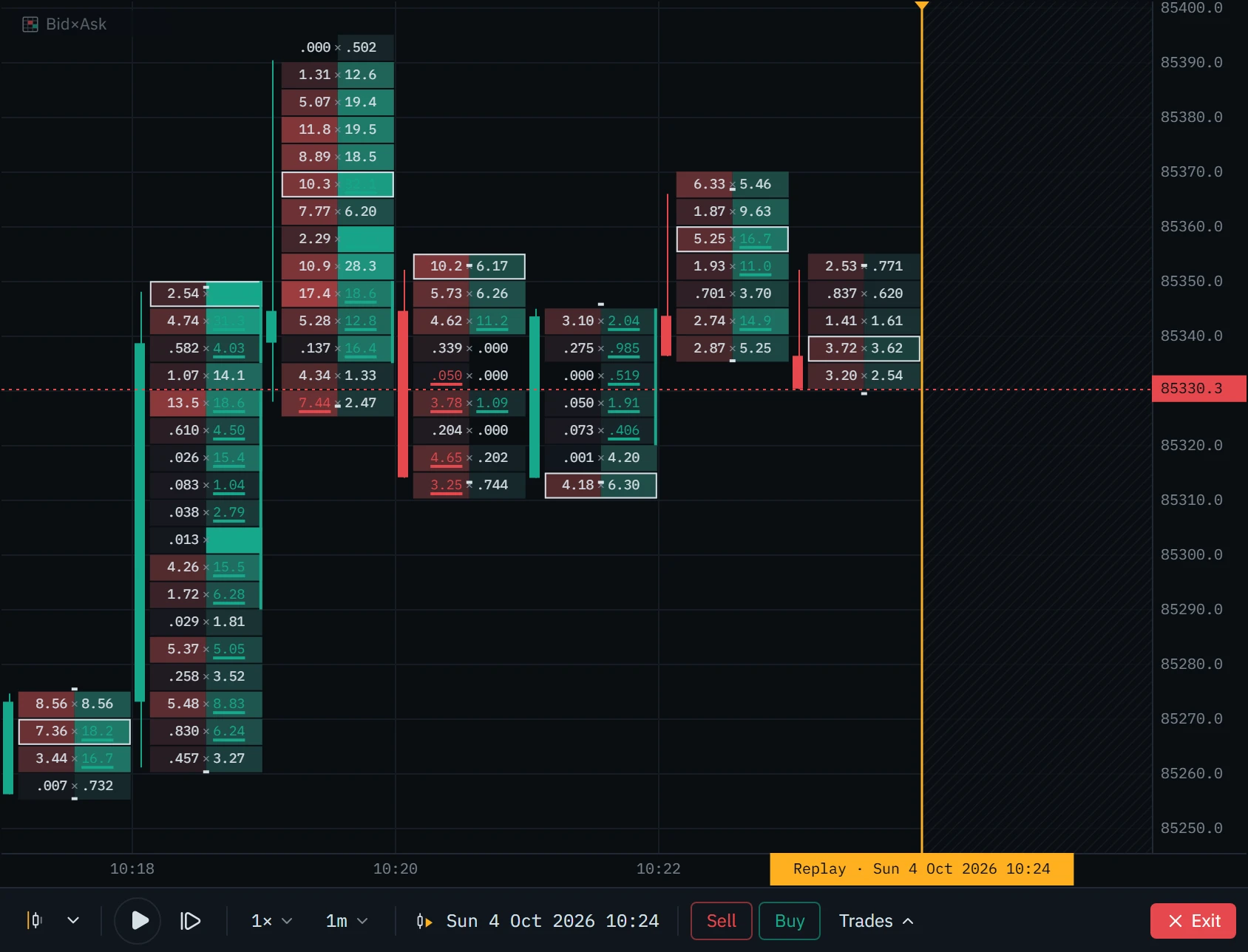
Candles say where price went. The footprint says who took it there: the volume bought and sold at every price inside each bar. Switch the chart type to Bid×Ask during a replay and the bars behind the playhead are rebuilt from order flow, up to the playhead and not a minute past it, at the same moment you were on.
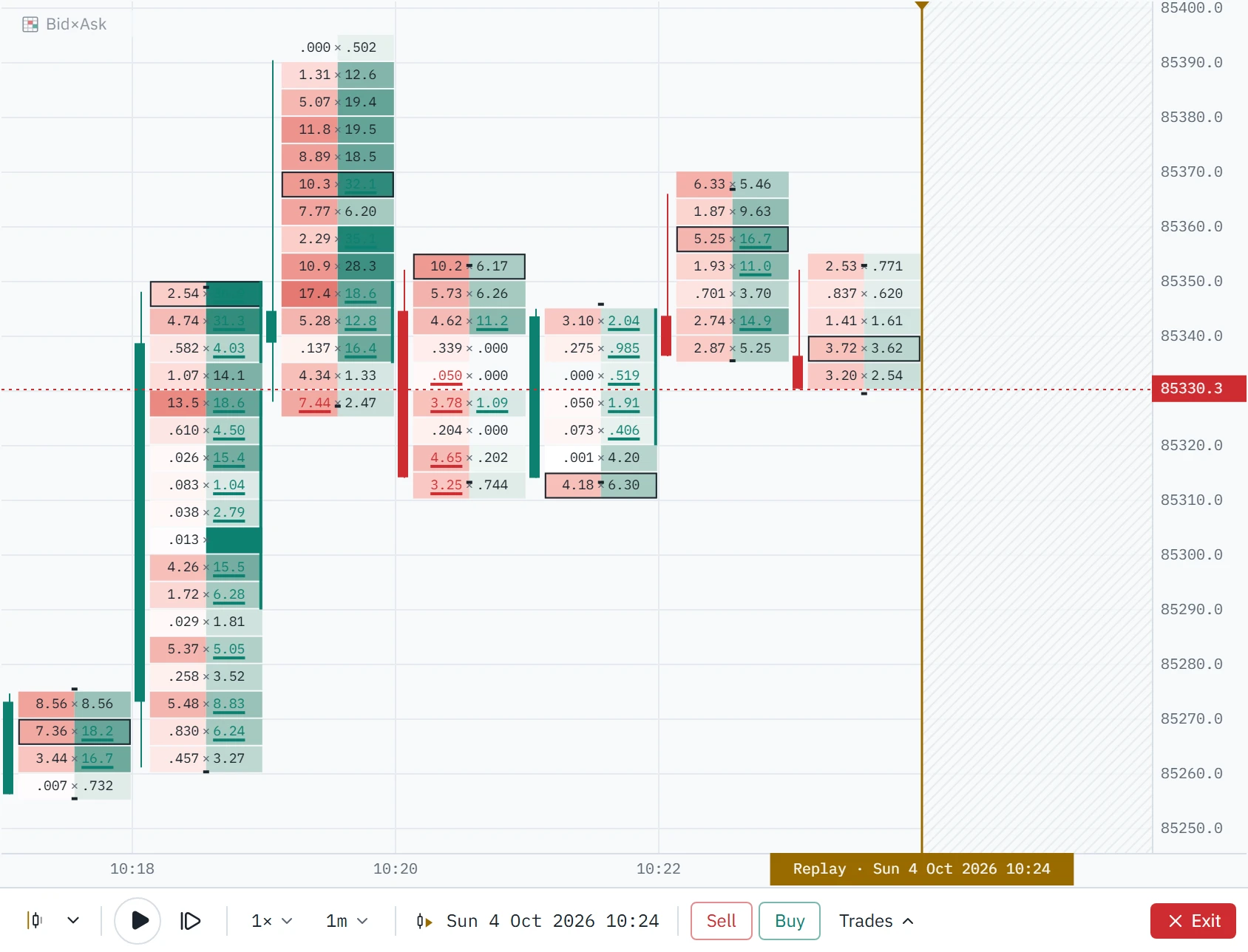
Footprint needs the individual trades, or the archive’s record of them, and Klustra uses the same two places the live chart does:
- The Pro archive. Per-minute footprint for whole UTC days, about the last 90, for the instruments it covers: the most traded Binance perpetuals and spot pairs, and Bybit spot. A day is added the morning after it ends. Days come through the same Pro archive as deep history and count toward the same 4 GiB daily allowance; a day already downloaded is kept in your browser and costs nothing the second time.
- The order flow your browser loaded. Everything the live chart fetched or recorded stays in your browser for 48 hours. It covers the stretch the archive has not published yet and, for the last two days, instruments the archive does not cover at all.
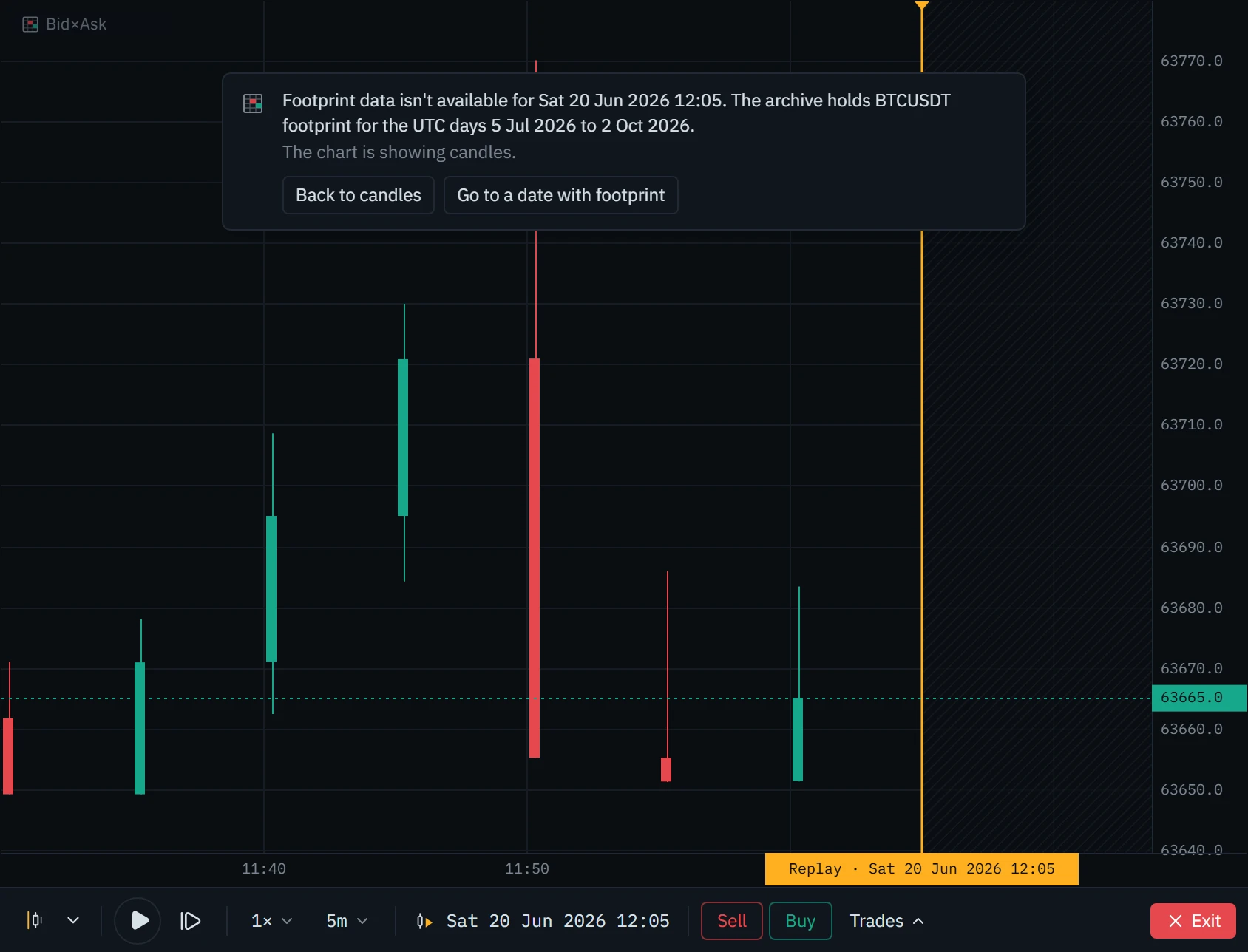
A bar is drawn as footprint only when the order flow covers all of it: half a bar of order flow drawn as a whole footprint bar would be a bar that never existed. Where it is missing, the bars are candles, and a notice at the top of the chart says why, in words, with a way back to candles and, where it applies, a button that jumps to a date with footprint.
| The notice says | Why |
|---|---|
| Footprint data isn’t available for this date | The date is older than the archive’s first day. The notice gives the UTC days it holds. |
| Footprint for this date isn’t in the archive yet | The date is after the archive’s newest day, and your browser did not load the order flow for it on the live chart. |
| The order flow held here starts (or ends) partway through this bar | There is order flow at the playhead, but not for the whole bar. This bar is a candle; the bars wholly inside are footprint. |
| This instrument has no footprint archive | No archive, and no order flow loaded for this time in the last two days. |
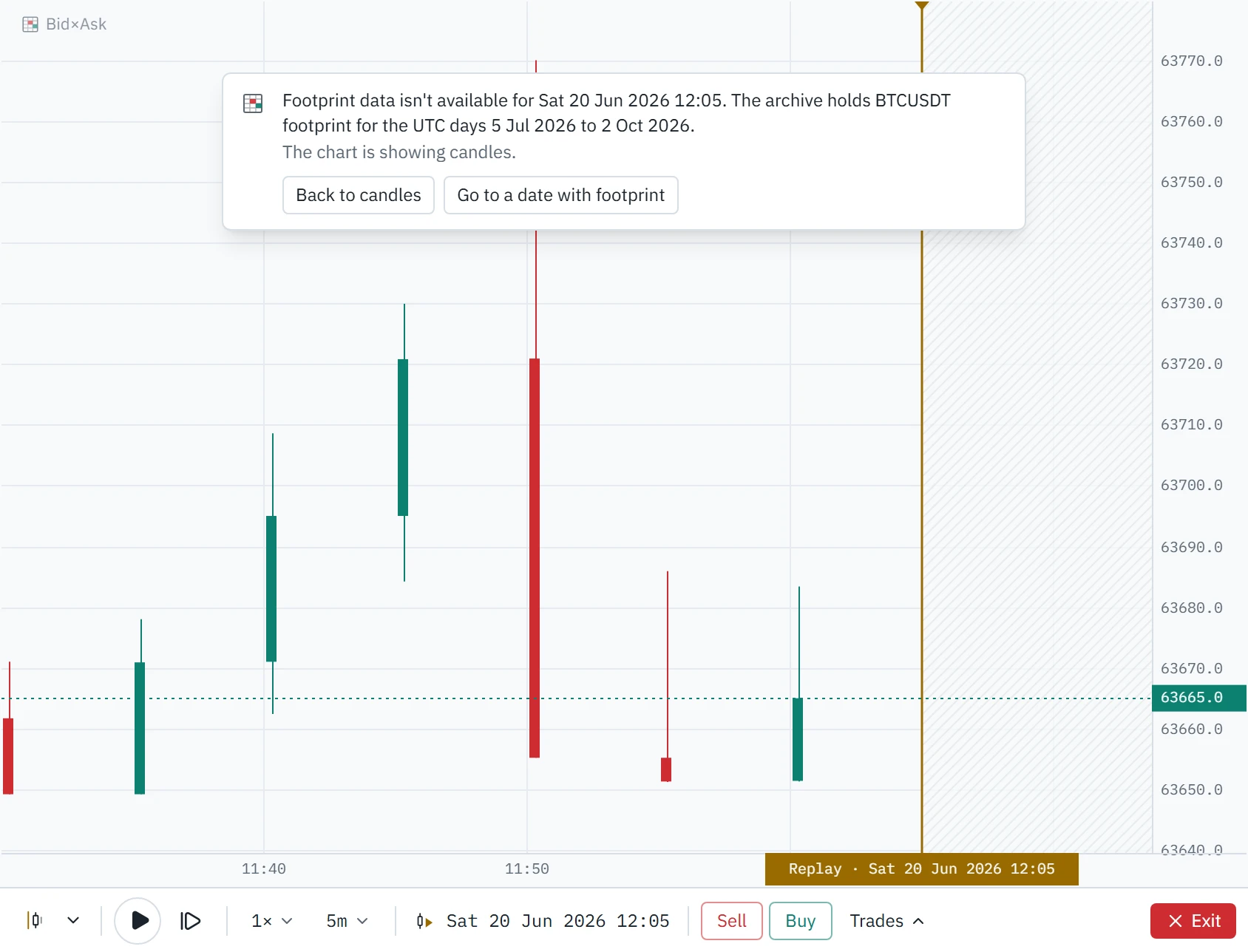
Orders and fills
There are two ways to trade a replay. Buy and Sell on the control bar send a market order with a stop and a target set the way a fresh position drawing sets them: the stop 1.5 times the average range of the last fourteen bars away, the target at twice that. Or draw a long or short position on the chart, set its levels where you want them, and press Place order on it, which opens the order form.
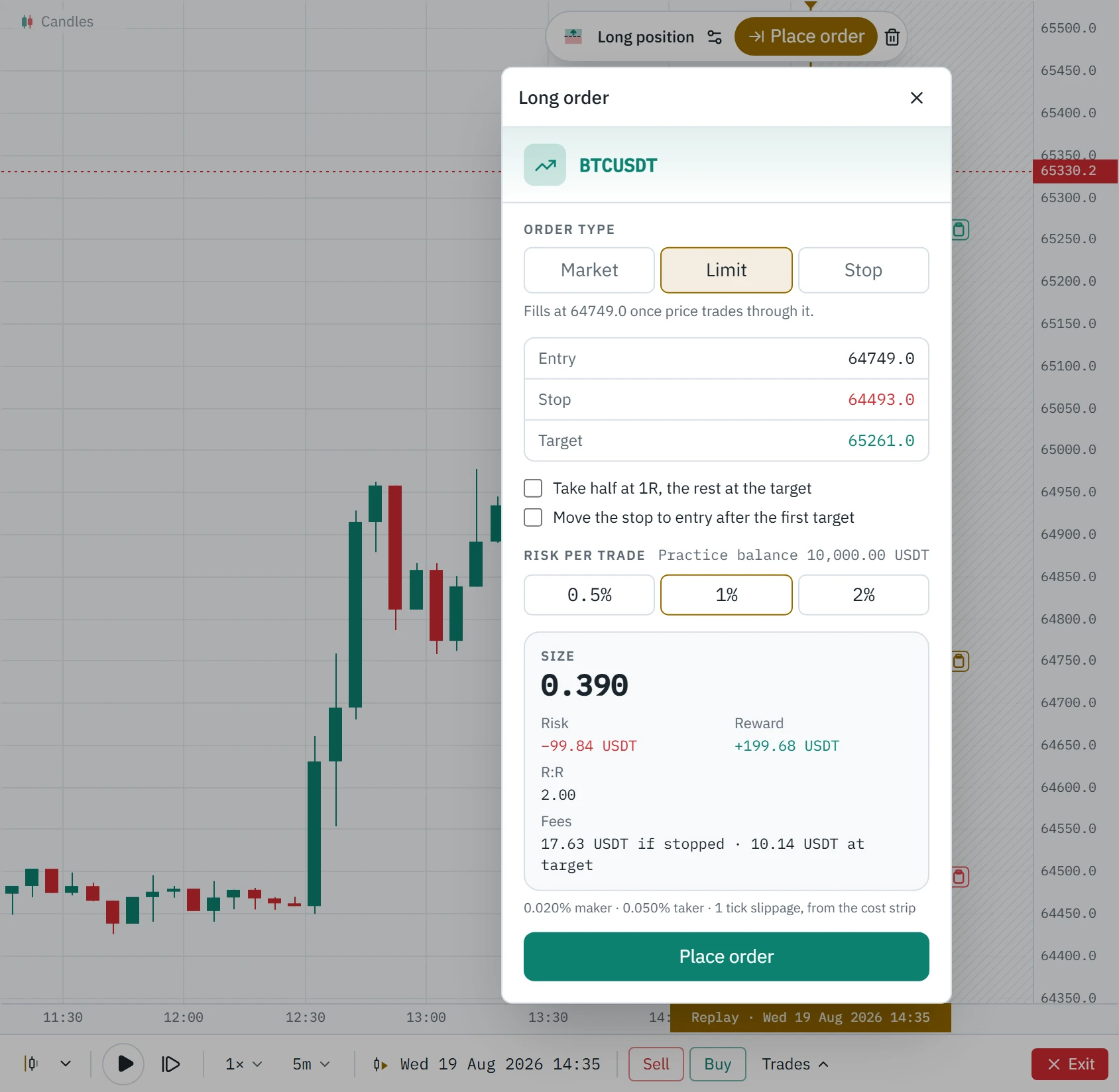
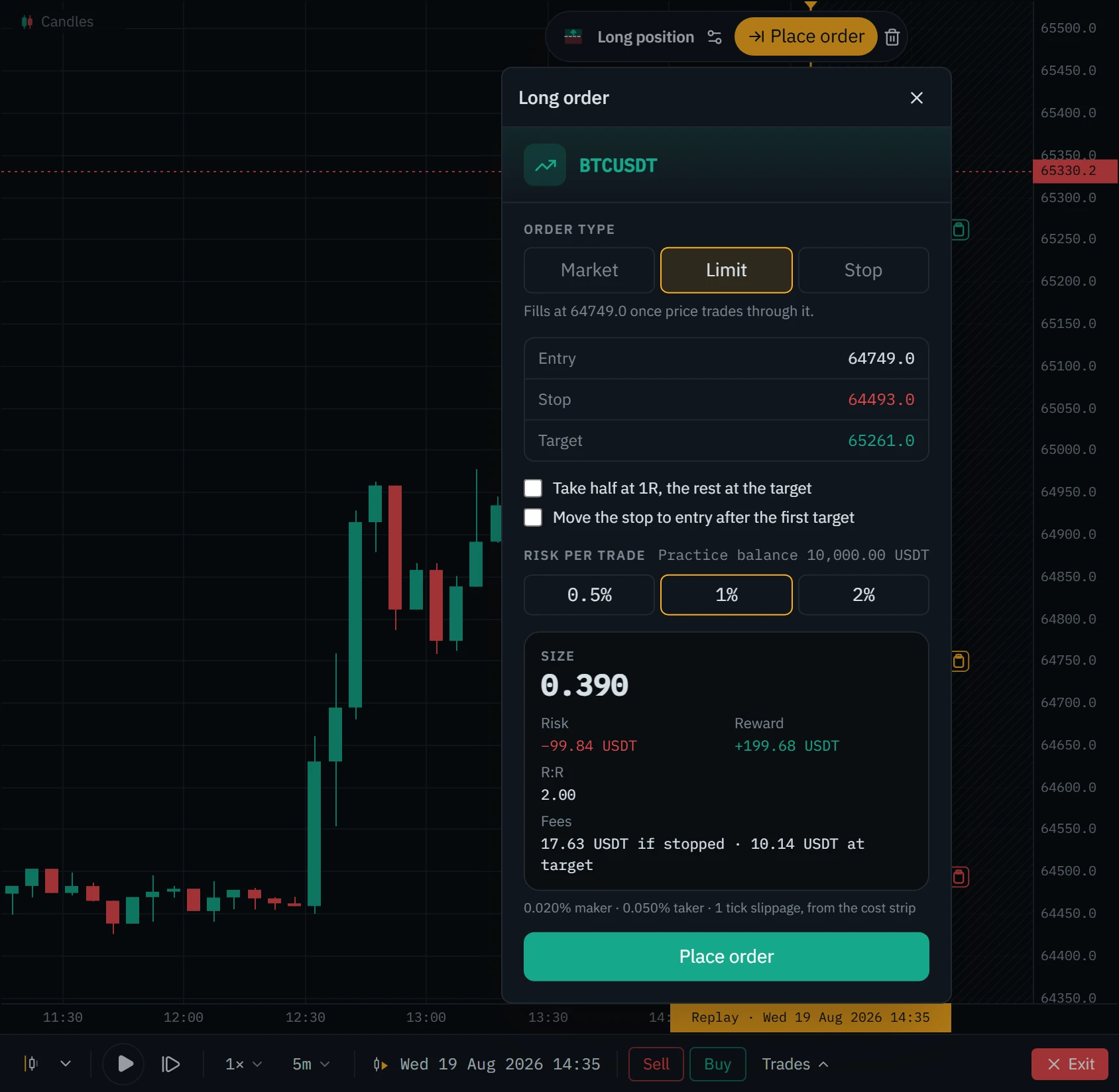
Size comes from the practice account: your Backtest journal, which starts at 10,000 in the pair’s quote currency and risks 1% a trade unless you change it (0.5%, 1% or 2% on the form). The size is what makes the stop cost exactly that much, rounded down to the exchange’s lot so rounding never risks more. Every fill pays your own fee rates if you entered them on the chart’s cost strip, the exchange’s published base rates if not, and every taker fill gives up one tick of slippage.
| Order | Fills | Fee |
|---|---|---|
| Market | At the open of the next bar the replay reveals, one tick worse. Never at the last close: that price was already history when the order could have reached the exchange. | Taker |
| Limit | At its own price, once price trades through it. Touching the level is not enough. | Maker |
| Stop entry | When price reaches it, one tick worse; at the first price past it if price jumped over it. | Taker |
| Stop loss | The same, and flagged when price jumped past the level. | Taker |
| Target | At its own price, once price trades through it. | Maker |
| Close, Close ½, Flatten | At the next bar’s open, one tick worse. | Taker |
When the stop and the target are inside one bar
A candle gives the open, high, low and close, not the order they came in. If a bar reaches both your stop and your target, whether you won depends on which came first, and most backtesters quietly assume the answer that flatters you. Klustra walks the bar along six possible paths, high first, low first, and paths that turn against or with the trade after each fill. If all six agree, the outcome is certain. If not, it opens the bar’s own one-minute candles, all of them already revealed, and walks those instead. If a single minute is still ambiguous, it takes the worse outcome and marks the trade with ≈ so you know it was decided that way.
R is always measured against the stop the trade opened with. Moving the stop later changes what the trade can still lose, not what it risked; the move is recorded with the replay time it was made.
A worked example
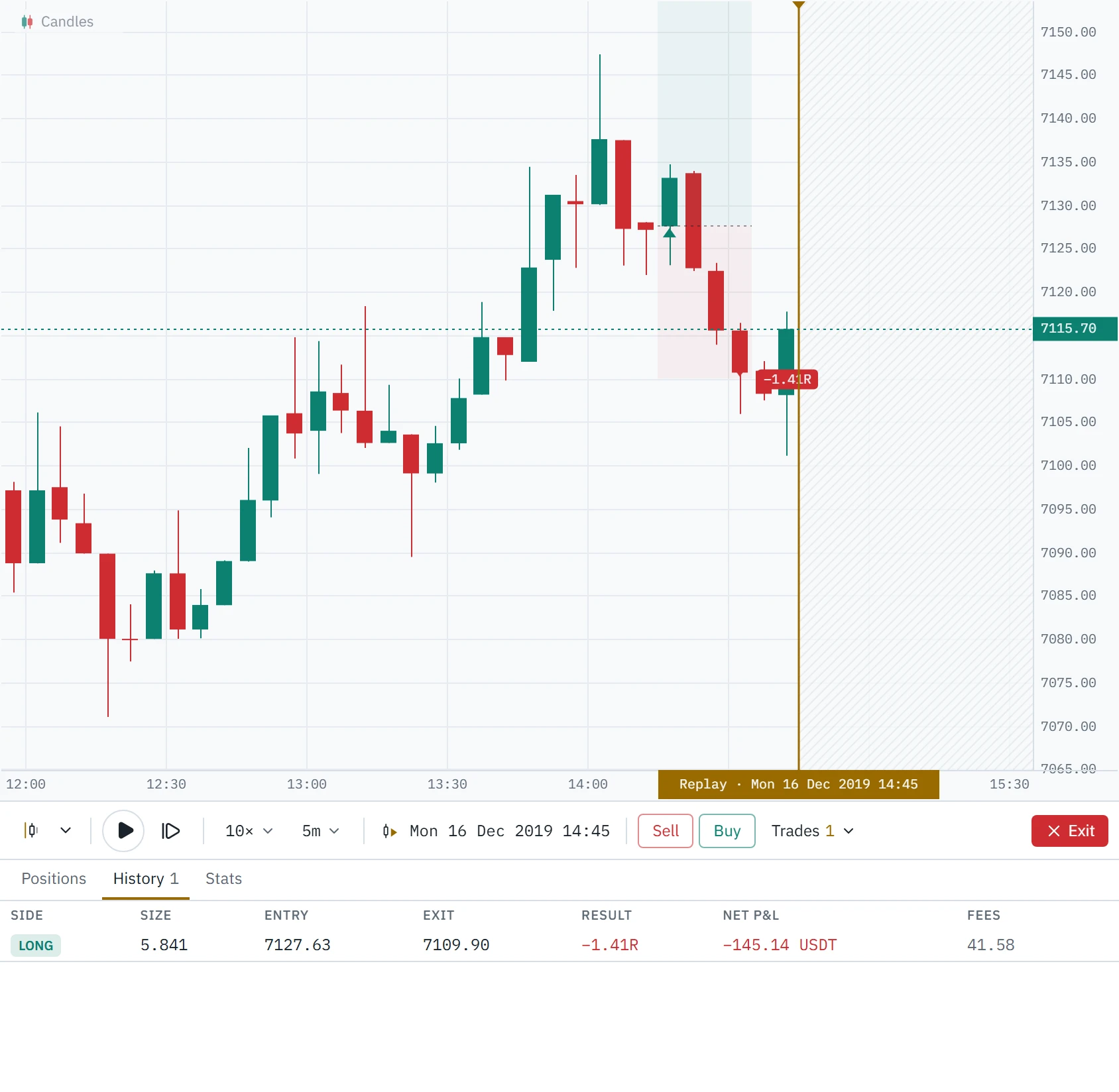
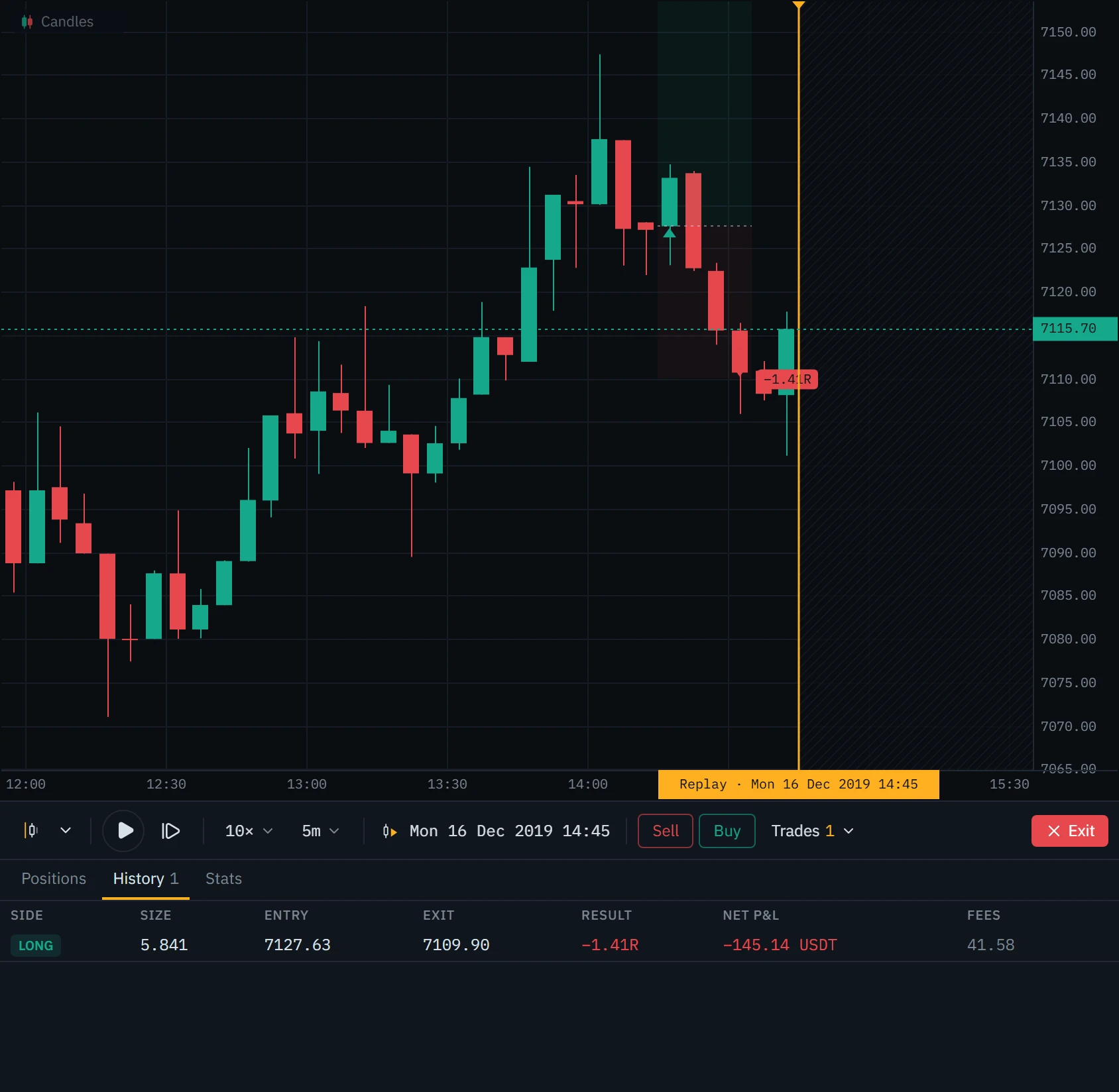
16 December 2019, the Binance BTCUSDT perpetual, five-minute bars, prices in cents as the exchange quoted them then, and a fresh practice account of 10,000 USDT risking 1% a trade. With the playhead at 14:15 UTC, the last close is 7,127.12. Buy puts the stop at 7,110.00, 17.12 below it, and the target at 7,161.40, twice that above; 100 USDT over 17.12 is 5.841 BTC.
The fill
The order fills at the open of the next bar, 7,127.53, plus one tick of slippage: 7,127.63. The 0.41 jump from the last close and the tick put the entry 17.63 above the stop, not 17.12, so this trade’s 1R is 102.98 USDT.
The stop
At 14:30 price falls through 7,110.00 from an open of 7,115.52. No gap: the stop fills at its level, less a tick, at 7,109.90.
The bill
Price: 17.73 lost on 5.841 BTC, 103.56 USDT. Fees: 0.05% to get in and 0.05% to get out, 41.58 USDT. Net: −145.14 USDT, or −1.41R.
How to practise with it
Replay is only as honest as the way you use it. These five habits are what turns it from watching history into practice.
Picking the bar yourself means looking at the chart first, and you will pick the move you can already see ended well. Random date chooses a moment with 300 bars of history behind it and at least 500 bars, and a week of market time on an intraday chart, ahead of it, never in the last 30 days, and re-rolls a start that would play into an exchange outage.
- Use
- Random date
- Avoid
- Picking moves you remember
Reading your results
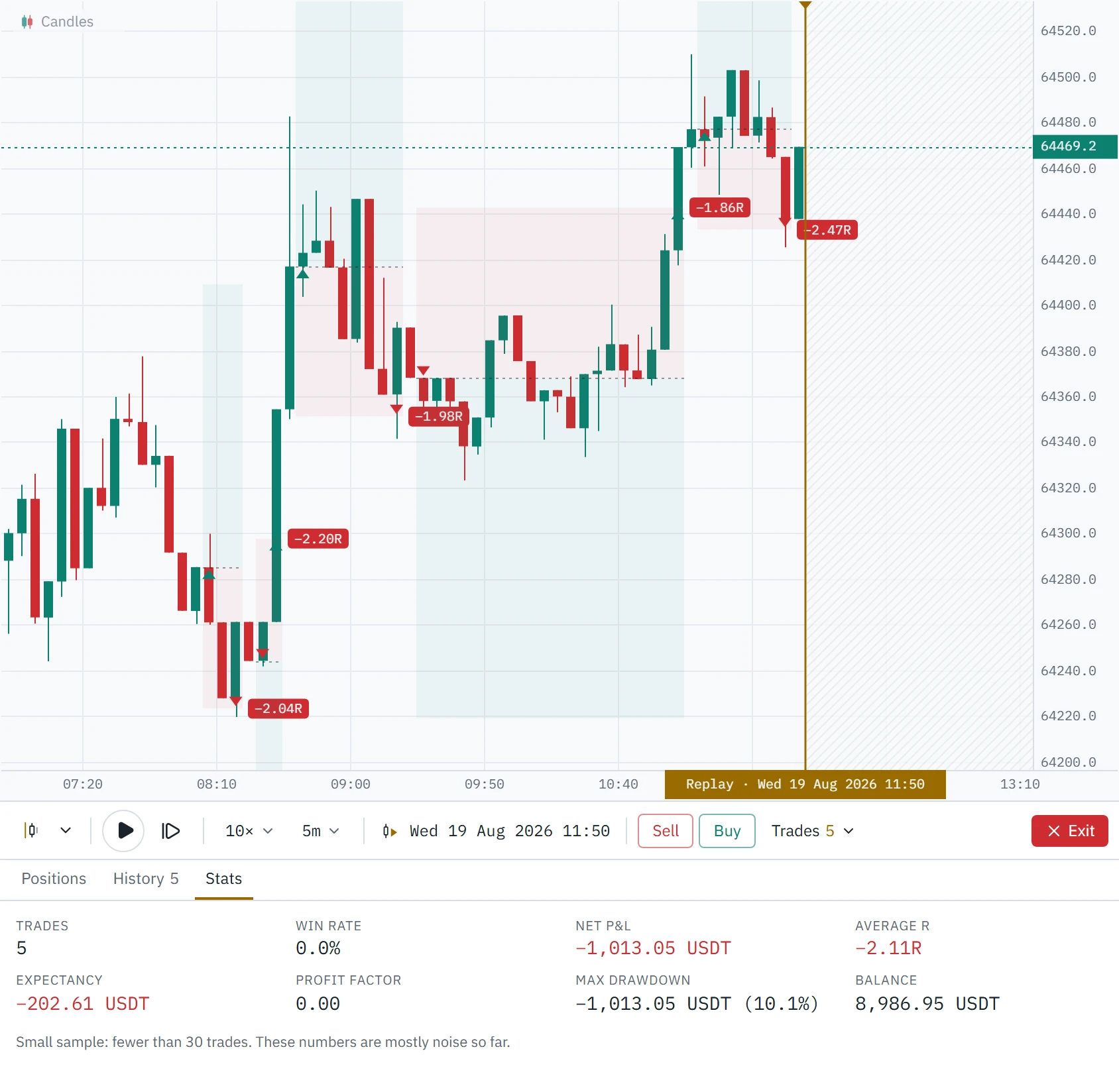
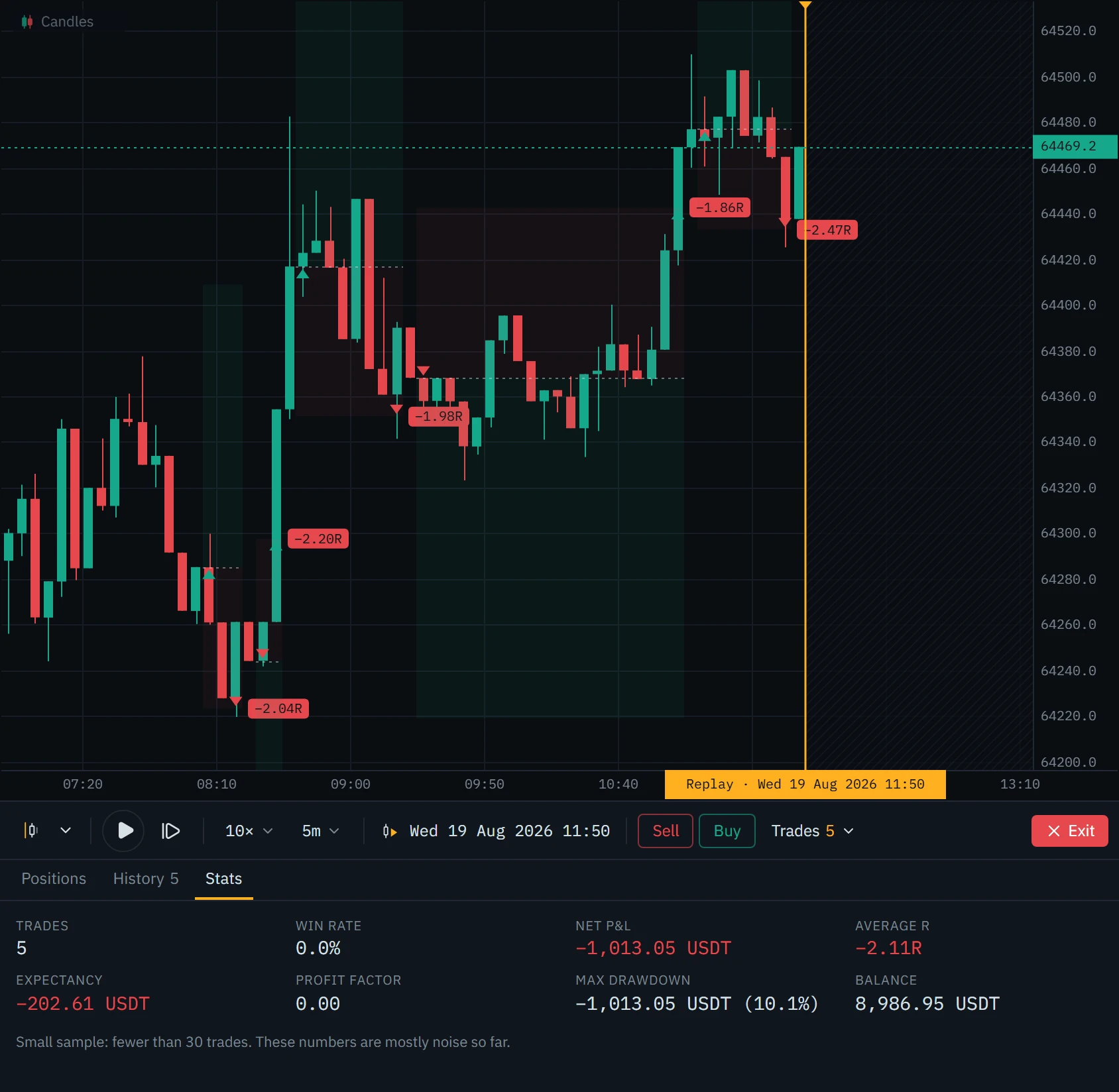
The Trades drawer under the control bar has three tabs: open positions and waiting orders, the trades that have closed, and the statistics of this replay. Every trade that filled is also saved into your Backtest journal in your account, with a picture of the chart when it closes. Open it from Journal in the toolbar, where its statistics, calendar and filters work on it as on any other journal, and your practice never mixes with your live results.
Set it up in Klustra
Open the chart
Go to the chart and pick the exchange, instrument and timeframe you want to practise on. Bar replay is part of Pro.
Choose where to start
Press Backtest in the toolbar. Select bar lets you click the candle to start from, Jump to date takes a date and time in the chart’s own time zone, and Random date picks one for you.
Set the step and the speed
On the control bar under the chart, the interval sets how much time each step reveals (any timeframe that divides the chart’s, one minute at the finest) and the speed how many steps play each second.
Step, or play
Press → to step, Shift+→ to step ten, Space to play and pause. The chart follows the playhead; pan back to study, and it stays where you put it.
Trade it
Press Buy or Sell, or draw a position and press Place order. Drag the stop and target on the chart; the change applies from the next bar.
Leave when you are done
The red Exit returns to the live chart. Trades still open close at the last price you saw.
Every control
| Control | Key | What it does |
|---|---|---|
| Select bar | Click a candle to start there, or, during a replay, to jump back to it. Esc cancels. | |
| More ways to start | Jump to date (the chart’s time zone), Random date, or exit the replay. | |
| Play / Pause | Space | Reveals one step at a time at the chosen speed. |
| Step forward | →, Shift+→ | Reveals one step, or ten. |
| Speed | [ and ] | 0.5×, 1×, 2×, 3×, 5× or 10×: steps per second. 1× is one step a second. |
| Replay interval | How much time each step reveals: any timeframe that divides the chart’s, from one minute. One chart bar per step until you choose. | |
| Replay time | Where the playhead is, with the weekday and the year. | |
| Sell / Buy | A market order at the next open, stop and target from the recent bar range, sized from the practice account. | |
| Open P&L | What closing every open trade now would leave, after the fees paid so far. | |
| Flatten | Closes every open trade at the next open and cancels waiting orders. | |
| Trades | Opens the drawer: positions, history and statistics. | |
| Exit | Back to the live chart. Open trades close at the last price you saw. |
Common mistakes and limits
- Choosing the start by looking. Select bar shows you the chart before you choose. Use Random date when the point is to practise, not to study a move you already know.
- Reading the bar in progress as finished. With steps smaller than the chart’s timeframe, the newest bar is still forming. Its high, low and close will change.
- Leaving costs out of the reckoning. Fees and one tick of slippage are charged on every fill. On a tight stop they can turn a 1R loss into 1.4R, as in the worked example.
- Judging a setup on a handful of trades. The statistics warn below 30. Keep going until they stop.
- Expecting the book. No order book was recorded, so the DOM ladder, the heatmap, big trades, the flow tape, liquidations and open interest are off during a replay.
- Expecting ticks. The finest step is one minute: replay runs on exchange candles, and a seconds chart replays on one-minute bars.
Free and Pro
Bar replay and the trading journal are part of Pro. On Free the Backtest button shows what Pro includes instead. The chart, the footprint and the order-flow panels stay free.
| Feature | Free | Pro |
|---|---|---|
| Bar replay backtesting, with orders and fills | Not included | Included |
| Trading journal, synced across your devices | Not included | Included |
| Order-flow history | Last 6 hours | Deep archive, where covered |
| Footprint chart (bid × ask) | Included | Included |
| Delta | Included | Included |
| CVD | Included | Included |
Questions
What is bar replay?
A way to practise on history: the chart is cut off at a moment in the past, everything after it is hidden, and you reveal the next bars one step at a time, deciding as they arrive. It is also called market replay or chart replay, and it is how traders backtest a setup by hand.
Can the replay show me a bar before it happens?
No. The bar the playhead is in is built only from the smaller candles that have finished by the playhead, never from the exchange’s candle for that bar, which already contains the rest of it. Nothing after the playhead is ever given to the chart.
Which markets can I replay?
Any instrument on the seven exchanges the chart supports, as far back as each exchange sells candles, on any timeframe from one minute to a week. Footprint during a replay needs order flow: the Pro archive’s days, or what your browser loaded on the live chart in the last 48 hours.
Are fees and slippage included?
Yes. Every fill pays maker or taker fees, your own rates if you entered them on the cost strip, the exchange’s base rates if not, and every market, stop and close fill gives up one tick. Funding on perpetuals is not included.
Why did my stop lose more than 1R?
R is the distance from the entry to the stop at your size. The fees to get in and out, and the tick of slippage on each, come on top of it. On a tight stop that is a large share: the worked example on this page lost 1.41R on a 1R stop.
Why does the footprint say it is not available?
There is no order flow for that moment: older than the archive, newer than its last published day with nothing loaded in your browser, or an instrument the archive does not cover. The notice says which, and the bars are the exchange’s candles.
Where are my backtest trades saved?
In a Backtest journal in your account, synced across your devices, with a picture of the chart when each trade closes. The drawer under the replay shows the current replay’s trades.
Is bar replay free?
No, bar replay and the trading journal are part of Pro. The chart, the footprint, delta, CVD and imbalances are free.
Related tools
See it on a live market.
Open a supported market and switch the tool on. The footprint, delta, CVD and imbalances are free, with no account.
Order flow shows what traded, not what will trade next. Nothing on this page is financial advice, and trading carries a real risk of loss.